Name the symptom before the cause
“The Wi-Fi is bad in the back bedroom” describes an experience. To fix it, split that experience into what you can observe and what might be causing it. Mixing the two leads people to buy a faster router when the real issue is a radiator standing between the router and the bed.
- No network listed at all
- Network listed, but pages time out
- Works when standing in the doorway
- Fine in the morning, poor in the evening
- Distance beyond the router’s range
- Dense walls, floors or metal surfaces
- Router placed low or enclosed
- Neighbouring networks busy at peak hours
Notice the last pair: a problem that changes by time of day usually points to congestion or interference, not to coverage. That belongs to the interference step of the troubleshooting sequence.
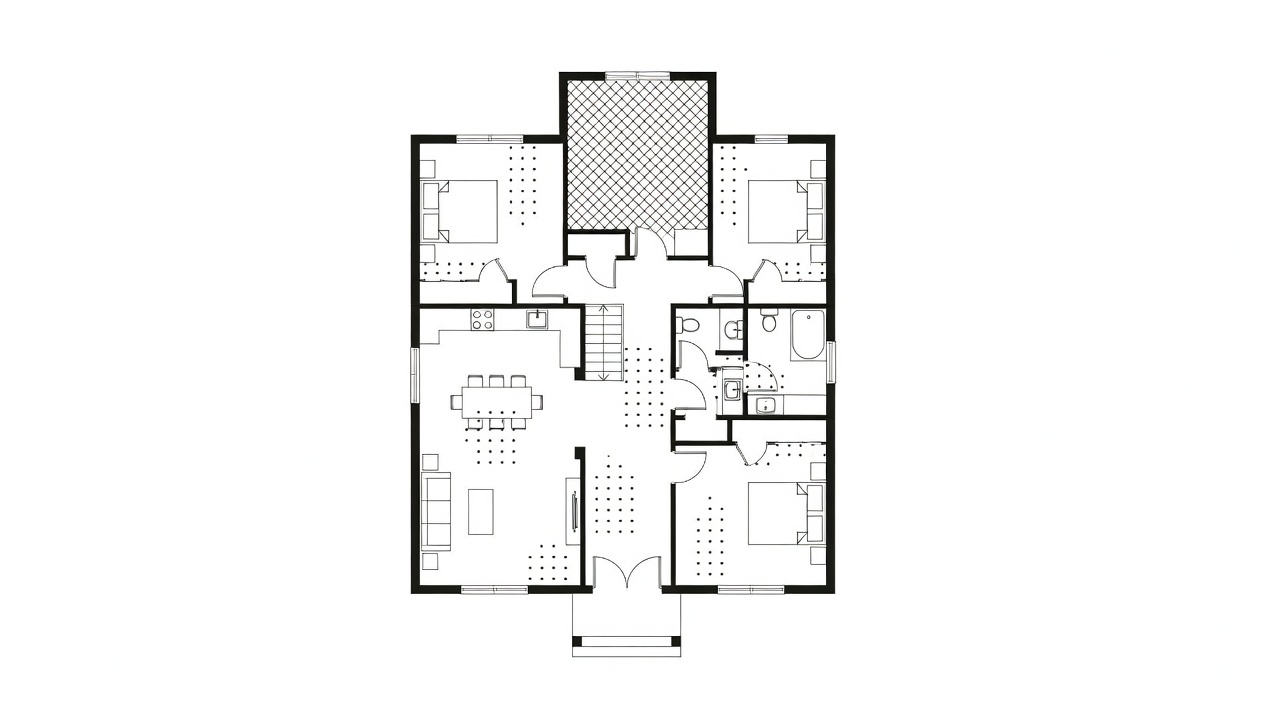
What walls, floors and appliances do to a signal
Home Wi-Fi uses three frequency bands. The 2.4 GHz band travels furthest and passes through walls best, but it is crowded and slower. The 5 GHz band is faster with more channels, but loses strength faster through obstacles. The 6 GHz band, opened by Wi-Fi 6E, is the fastest and least crowded, and also the shortest-reaching indoors. A phone that shows full speed beside the router and crawls upstairs is often clinging to 5 GHz past the point where it is reliable.
| Material | Effect on 2.4 GHz | Effect on 5–6 GHz |
|---|---|---|
| Plasterboard / drywall | Low | Low to moderate |
| Timber floor | Low to moderate | Moderate |
| Brick or block wall | Moderate | High |
| Reinforced concrete | High | Severe |
| Foil-backed insulation, metal cabinets | Severe | Severe |
| Mirrors, large aquariums | Moderate to high | High |
Microwave ovens operate near 2.45 GHz and can briefly disrupt nearby 2.4 GHz connections while running. Baby monitors, older cordless video senders and some Bluetooth devices share the same band.
Move the router before you buy anything
A router radiates roughly outward and slightly downward. Its ideal home is central, at shoulder height or above, and in the open. The usual reality — on the floor behind the television, next to where the provider’s cable enters the house — is close to the worst case.
- Central: place it as near the middle of the area you want to cover as cabling allows. A longer Ethernet cable to the provider’s socket costs little.
- Raised: a shelf beats the floor; on two storeys, the top of the ground floor helps both levels.
- Open: never inside a cupboard, metal cabinet or behind a television panel.
- Antennas: if adjustable, set one vertical and one horizontal so phones held at different angles connect well.
Re-test after every move. Many readers fix a so-called dead room here and never need a repeater.
Run a room-by-room survey
A survey turns impressions into numbers. Use a phone or laptop app that shows RSSI (Received Signal Strength Indicator) in dBm. Values are negative; closer to zero is stronger.
| Reading | What it usually supports |
|---|---|
| −30 to −50 dBm | Excellent; anything you like |
| −51 to −67 dBm | Good; video calls and streaming |
| −68 to −75 dBm | Usable for browsing; calls may stutter |
| −76 dBm and weaker | Unreliable; expect drops |
- Stand in the middle of each room, wait ten seconds, and note the reading and band.
- Run a speed test in the same spot and note it beside the reading.
- Run one speed test on a cable plugged into the router. That is your ceiling; no Wi-Fi device will beat it.
- Mark every room weaker than −70 dBm on a simple sketch of the floor plan.
The sketch shows the pattern. One isolated weak room behind a chimney breast suggests a single extra access point. A whole floor below −70 dBm suggests a mesh system or a wired bridge.
When the gap is structural
If placement changes have not closed the gap, the building is the limit. That is the moment to choose a middle device — and choosing well depends on how the new device will connect back to the router. Continue with Repeater, mesh or bridge?